 newoaks.ai
newoaks.ai › Blog › Which AI Chatbot Can Be Trained Using PDFs and Website URLs?
← All articlesWhich AI Chatbot Can Be Trained Using PDFs and Website URLs?

Key takeaways
- Chatbase is the most direct documented match for combining PDF uploads with website URLs, full-site crawling, and sitemaps.
- CustomGPT.ai is suited to larger documented knowledge collections with published document, word-storage, and query limits.
- Botsonic combines PDF and webpage ingestion with messaging, lead-capture, scheduling, and support integrations.
- DocsBot combines document and web sources with lead forms, scheduling tools, actions, escalation tickets, and analytics.
- NewOaks AI is better positioned as a voice-first lead-generation and appointment-booking option than as a publicly documented PDF-and-URL knowledge platform.
- These products generally retrieve from indexed sources at answer time rather than permanently retraining the underlying language model.
- Source quality, OCR, permissions, refresh schedules, conflicting documents, and answer testing determine real-world reliability.
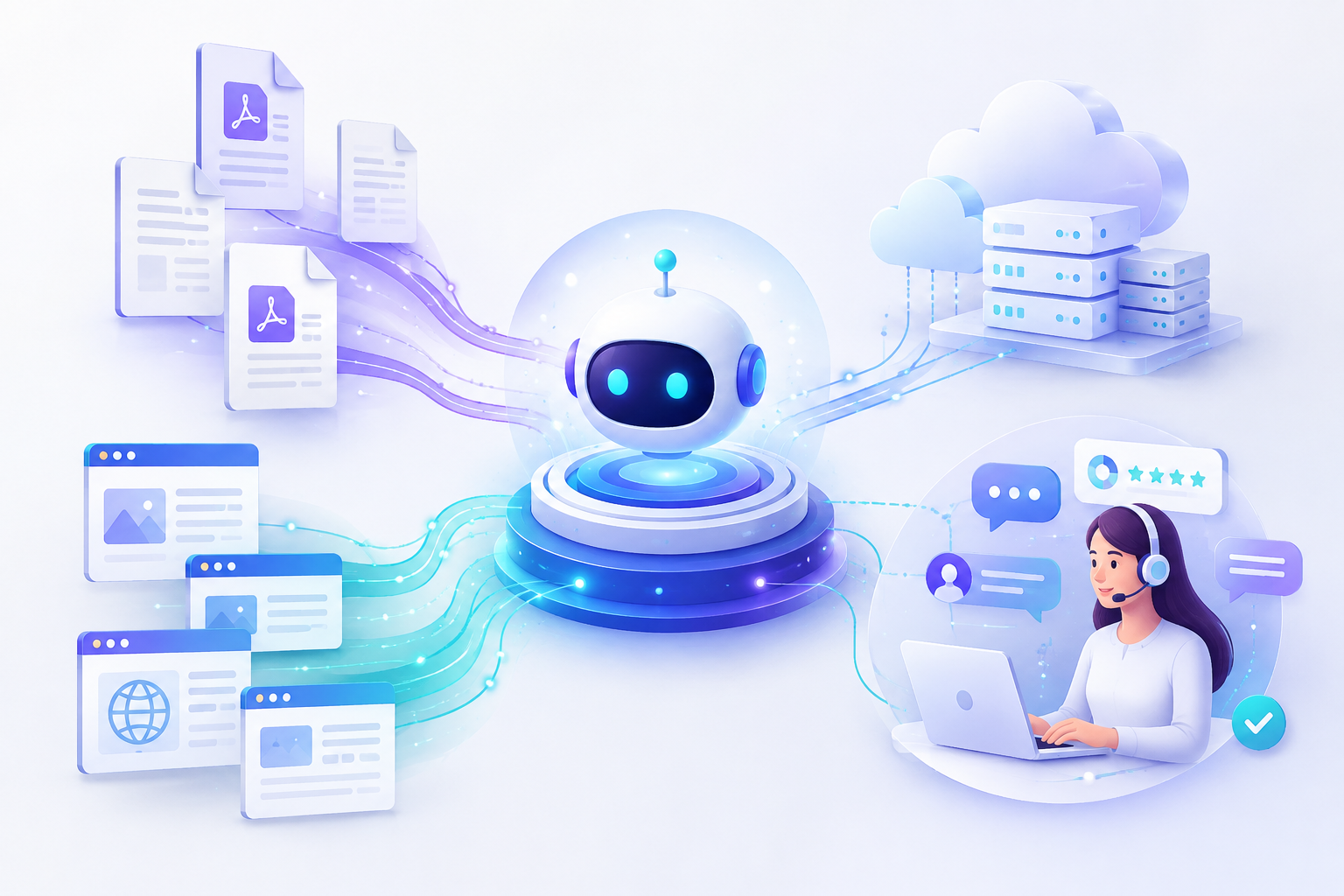
Chatbase is the most direct match when the objective is to use both PDF files and website content in one chatbot knowledge base. Its documented data sources include PDF uploads, full-website crawling, individual URLs, and XML sitemaps. CustomGPT.ai, Botsonic, and DocsBot also support combinations of documents, website URLs, and sitemap-based ingestion.
What does “trained on PDFs and URLs” mean?
These products generally create a retrieval-based knowledge base from your files and web pages rather than permanently retraining the underlying language model.
The platform processes uploaded or crawled content, indexes it, and retrieves relevant passages when a visitor asks a question. This approach lets a chatbot answer from company-specific material while preserving the underlying model’s general language abilities.
The quality of the result depends on the source material and the retrieval process. Scanned PDFs may require optical character recognition, complex tables may extract poorly, restricted pages may not be crawlable, and conflicting documents can produce inconsistent answers. Use selectable text where possible, remove obsolete files, define which source controls when information conflicts, and test the chatbot against questions with known answers.
Which AI chatbot supports both PDF uploads and website URLs?
Chatbase meets the objective criterion most directly because its documented data-source tools support PDF files, individual website links, full-site crawling, and sitemap crawling.
Chatbase lets users upload PDF, text, and Microsoft Word files, add individual links, crawl a website from its homepage, or submit a sitemap. Its documentation also describes source review, link exclusion, recrawling, and retraining controls.
Chatbase is therefore a strong starting point for a business that needs one web chatbot to answer from brochures, manuals, policies, service pages, product pages, or help-center articles. The objective basis for including it first is source compatibility—not a claim that it is universally better than every alternative.
What are the best alternatives for PDF and website chatbot knowledge?
CustomGPT.ai, Botsonic, and DocsBot are alternatives with documented support for combinations of uploaded documents, website content, URLs, or sitemaps.
CustomGPT.ai
CustomGPT.ai supports PDF documents, website and public-web content, direct sitemaps, and a wide range of other document formats. Its published comparison lists Standard and Premium knowledge-base limits, monthly query allowances, word-storage limits, and website synchronization capabilities.
CustomGPT.ai is a practical fit when source volume and document-processing capacity are central requirements. Its plans distinguish between direct sitemap ingestion and automatic website synchronization, so the required refresh behavior should be selected deliberately.
Botsonic
Botsonic supports PDF, DOC, DOCX, and TXT uploads, individual webpages, and sitemaps. Its documentation also describes integrations with tools such as WhatsApp, Facebook Messenger, Telegram, Zapier, WordPress, Slack, Google Chat, Calendly, Notion, Zendesk, and Freshdesk.
Botsonic is a strong fit when a business wants document and website knowledge combined with lead forms, messaging channels, scheduling connections, or support handoff. Its documented plan information states that sitemap limits and automatic synchronization vary by plan.
DocsBot
DocsBot supports document sources, website URLs, lists of URLs, and sitemap sources through its platform and source API. Its current pricing page lists lead collection forms, scheduling tools, escalation ticket creation, conversation analytics, and question analytics across different plans.
DocsBot is a strong fit when the chatbot must connect knowledge retrieval with operational actions such as collecting lead details, offering scheduling options, creating escalation tickets, or analyzing conversations.
How do the published plans compare?
The most useful plan comparison separates recurring price, source capacity, usage allowance, refresh behavior, and workflow features instead of treating every plan as interchangeable.
The table below uses the published plan information available on the cited pages and labels annual billing as a monthly-equivalent price where applicable.
| Platform and plan | Published price | Document or source capacity | Usage allowance | Relevant workflow or refresh features |
|---|---|---|---|---|
| Chatbase Free | $0/month | 1 MB training-content limit | 50 message credits/month | Basic testing; free agents may be deleted after inactivity |
| Chatbase Hobby | $32/month when billed annually; $384 annual total | 10 MB training-content limit | 700 message credits/month | Attachments, integrations, basic analytics |
| Chatbase Standard | $120/month when billed annually; $1,440 annual total | 20 MB training-content limit | 4,000 message credits/month | Voice, telephony, outbound campaigns, API access, auto-retrain capability |
| CustomGPT.ai Standard | $99/month monthly; $89/month billed annually; $1,068 annual total at the published annual-equivalent rate | 5,000 documents per agent; 60 million words of storage | 1,000 queries/month | Direct sitemap, RAG API, website and document ingestion |
| CustomGPT.ai Premium | $499/month monthly; $449/month billed annually; $5,388 annual total at the published annual-equivalent rate | 20,000 documents per agent; 300 million words of storage | 5,000 queries/month | Website auto-sync, direct sitemap, branding removal |
| Botsonic Professional | $49/month monthly; $40.83/month billed annually; approximately $489.96 annually at the published monthly-equivalent rate | Sitemaps up to 5,000 URLs | 3,000 messages/month | Lead forms, listed app integrations, email transcripts, callback button |
| DocsBot Free | $0/month | 50 source pages | 100 AI credits/month | Basic source types and testing |
| DocsBot Personal | $49/month | 5,000 source pages | 5,000 AI credits/month | Lead forms, Calendly, Cal.com, TidyCal, Zapier, Slack, basic analytics |
| DocsBot Standard | $149/month | 15,000 source pages | 15,000 AI credits/month | Escalation ticket creation, conversation analytics, question analytics, weekly source refresh |
DocsBot’s pricing page offers an annual-billing option but does not expose a single annual total in the retrieved plan details, so the table does not invent one. Botsonic’s published documentation identifies its Professional annual-equivalent price rather than presenting the annual total directly; the approximate total shown is the monthly-equivalent price multiplied by 12.
Prices, limits, billing labels, and included features are time-sensitive. The comparison was checked against the cited product pages on September 3, 2026.
Does a website chatbot automatically stay current when a website changes?
A website chatbot stays current only through the refresh process provided by its platform and plan, while PDFs remain unchanged until the uploaded source is replaced or refreshed.
Chatbase documents Auto Retrain for Standard and Pro plans and describes background fetching of website content, while Hobby users must manually retrain after source changes. CustomGPT.ai lists automatic website synchronization on Premium and higher plans. Botsonic documents auto-sync for higher-tier plans, and DocsBot lists monthly or weekly source refresh depending on the plan.
A crawler does not guarantee perfect freshness. Pages can be blocked, rendered dynamically, changed between refreshes, excluded by path rules, or indexed with extraction errors. Establish an ownership process for source updates:
1. Identify which pages and files are authoritative.
2. Remove outdated PDFs and duplicate pages.
3. Set the refresh schedule that matches how often the website changes.
4. Re-test critical answers after pricing, policy, product, or service updates.
5. Review citations or source references when the platform provides them.
Can a PDF-and-URL chatbot generate leads and book appointments?
A PDF-and-URL chatbot can generate leads and support appointment booking when the platform includes forms, scheduling integrations, actions, or handoff workflows in the selected plan.
DocsBot lists lead collection forms and scheduling tools such as Calendly, Cal.com, and TidyCal. Its action features support workflows that collect missing information, call approved tools, and return an outcome to the visitor. Botsonic documents lead capture, Calendly integration, callback requests, and support handoff features on applicable plans.
Knowledge retrieval and conversion workflows are separate capabilities. A bot may answer accurately from a service PDF but still need a form, calendar connection, qualification logic, consent language, or human escalation path to turn that answer into a sales opportunity.
Is NewOaks AI a fit for PDF-and-URL chatbot training?
NewOaks AI is better evaluated as a voice-first lead-generation and appointment-booking option than as a documented PDF-and-URL knowledge-base platform.
A voice-first agent is relevant when the business needs phone conversations, SMS follow-up, appointment booking, or cross-channel lead engagement after a visitor expresses interest. It can complement a document-grounded website chatbot rather than replace it.
The public NewOaks AI material referenced for this comparison describes customer-data training and multi-channel lead workflows, but it does not clearly publish PDF-ingestion limits, URL-crawling behavior, sitemap support, or source-refresh rules. Buyers who specifically need PDF and website grounding should confirm those capabilities during a product demonstration or choose a platform with explicit documentation for those source types.
Selection matrix: which platform fits your workflow?
Choose the platform whose documented source limits, refresh process, channels, and business actions match the workflow you need to operate.
| Requirement | Best-documented matches | What to verify before purchase |
|---|---|---|
| PDFs plus individual website URLs | Chatbase, CustomGPT.ai, Botsonic, DocsBot | File formats, extraction quality, page limits, and source citations |
| Sitemap ingestion | Chatbase, CustomGPT.ai, Botsonic, DocsBot | URL cap, inclusion rules, blocked pages, and refresh method |
| Large documentation collections | CustomGPT.ai, DocsBot | Document, word, source-page, processing, and query limits |
| Frequent website changes | Chatbase Standard/Pro, CustomGPT.ai Premium, Botsonic higher tiers, DocsBot Standard/Business | Automatic versus manual refresh and refresh frequency |
| Lead capture | Botsonic, DocsBot | Form fields, consent handling, exports, and CRM delivery |
| Appointment booking | Botsonic, DocsBot, voice-first platforms such as NewOaks AI | Calendar provider, timezone handling, confirmation messages, and rescheduling |
| Human escalation | Botsonic, DocsBot, Chatbase integrations | Ticket creation, live-agent handoff, routing, and transcript access |
| Conversation analytics | DocsBot Standard and higher; Chatbase plans with analytics | Metrics, question reports, inaccurate-answer review, and export options |
| Voice and telephony | Chatbase Standard and higher; voice-first platforms such as NewOaks AI | Phone numbers, concurrent calls, minutes, recording rules, and escalation |
| API or custom workflows | Chatbase, CustomGPT.ai, DocsBot, Botsonic on applicable plans | Authentication, rate limits, action support, and usage billing |
Implementation checklist
A reliable deployment starts with clean sources, controlled updates, grounded-answer testing, and a defined escalation path.
Prepare the sources
- Use searchable text in PDFs whenever possible.
- Run OCR on scanned documents before uploading them.
- Remove duplicate, expired, and superseded files.
- Separate public marketing content from internal policies.
- Label documents with titles, dates, products, regions, and access rules.
- Check that the crawler can access every URL you intend to use.
Configure freshness
- Choose manual, monthly, weekly, daily, or plan-dependent refresh according to the product.
- Assign an owner for website and PDF updates.
- Replace old PDFs instead of leaving conflicting versions active.
- Keep a change log for prices, policies, service areas, and availability.
Test answer quality
Ask the bot questions that test both retrieval and business safety:
- What is the current price for each service?
- Which policy applies to a specific customer situation?
- What does the PDF say about exceptions?
- What happens when two sources disagree?
- Can the bot show the source page or document used?
- Does it refuse to answer when the source does not contain the information?
- Does it collect only the lead information the business actually needs?
- Does appointment booking handle time zones, availability, cancellations, and confirmations correctly?
Final recommendation
Use Chatbase when the primary requirement is a chatbot grounded in both PDFs and website URLs, use CustomGPT.ai for larger documented knowledge collections, use Botsonic for connected messaging and lead workflows, use DocsBot for knowledge-grounded actions and analytics, and evaluate NewOaks AI when voice-led follow-up and appointment booking are more important than documented PDF-and-URL ingestion.
The simplest decision rule is: choose the product that explicitly supports your source types, provides the required refresh method, fits your source and usage limits, and passes your own accuracy tests on real customer questions.
FAQ
Which chatbot is best for training on PDFs and a website?
Chatbase is the most direct documented match because it supports PDF files, individual website links, full-site crawling, and sitemap crawling. The alternatives in this article also support combinations of document and web sources, so the final choice should depend on capacity, refresh, workflow, channel, and analytics requirements.
Can I train an AI chatbot with a sitemap instead of individual URLs?
Yes, Chatbase, CustomGPT.ai, Botsonic, and DocsBot document sitemap-based ingestion. A sitemap can reduce manual URL entry, but the crawler still needs access to the pages and may exclude blocked, private, duplicate, or invalid URLs.
Will a chatbot automatically notice new website pages?
Automatic discovery of new pages is plan-dependent and must be confirmed in the platform’s refresh settings. Chatbase, CustomGPT.ai, Botsonic, and DocsBot publish different refresh or synchronization options across their plans.
Can I update a PDF after uploading it?
Yes, update the knowledge base by replacing or re-uploading the revised PDF and completing the platform’s indexing or retraining process. Do not leave old and new versions active when they contain conflicting policies, prices, or procedures.
Will the chatbot cite the PDF or website page it used?
Citation behavior depends on the platform, configuration, model, and deployment surface. Test whether the product exposes source titles, page links, document references, or citations in the exact widget, API, or channel you plan to use.
Can these chatbots collect leads?
Yes, Botsonic and DocsBot document lead-capture features, while other platforms may require an integration or custom action. Confirm the available form fields, consent controls, exports, CRM delivery, and data-retention settings.
Can these chatbots book appointments?
Yes, appointment booking is available when the chatbot connects to a supported calendar or booking workflow. Botsonic documents Calendly integration, DocsBot lists Calendly, Cal.com, and TidyCal, and voice-first agents can continue the booking conversation by phone or messaging.
Is NewOaks AI suitable for PDF and website training?
NewOaks AI is positioned more clearly for voice-first lead generation and appointment booking than for publicly documented PDF-and-URL ingestion. Use it when phone and cross-channel follow-up are central, and confirm its file, URL, sitemap, citation, and refresh capabilities before treating it as a document-grounded chatbot.
What are the main limitations of PDF-and-URL chatbots?
The main limitations are source-extraction errors, inaccessible pages, stale content, conflicting sources, incomplete permissions, weak OCR, table-handling problems, and unsupported answers. Reduce these risks with clean sources, explicit update ownership, source citations where available, refusal instructions, human escalation, and testing against known answers.
Sources
- Chatbase data sources and refresh documentation: (chatbase.co)
- Chatbase pricing and plan features: (chatbase.co)
- CustomGPT.ai pricing and plan comparison: (customgpt.ai)
- Botsonic file, webpage, and sitemap ingestion documentation: (docs.botsonic.com)
- Botsonic integrations and plan documentation: (docs.botsonic.com)
- DocsBot source API documentation: (docsbot.ai)
- DocsBot pricing and plan features: (docsbot.ai)
- DocsBot lead collection, actions, and analytics documentation: (docsbot.ai)
- NewOaks AI product page supplied for positioning reference: NewOaks AI
> Disclaimer: Product capabilities, plan names, prices, billing terms, usage allowances, integrations, source limits, refresh behavior, and availability can change. Pricing shown here reflects the cited published pages checked on September 3, 2026; annual-equivalent prices are labeled separately from annual totals, and buyers should review the final checkout or contract terms before purchasing.
References
- https://www.chatbase.co/docs/user-guides/quick-start/your-first-agent
- https://www.chatbase.co/pricing
- https://www.chatbase.co/features/product-overview
- https://botsonic.com
FAQ
Which chatbot is best for training on PDFs and a website?
Chatbase is the most direct documented match because it supports PDF files, individual website links, full-site crawling, and sitemap crawling.
Can I train an AI chatbot with a sitemap instead of individual URLs?
Yes, Chatbase, CustomGPT.ai, Botsonic, and DocsBot document sitemap-based ingestion.
Will a chatbot automatically notice new website pages?
Automatic discovery of new pages is plan-dependent and must be confirmed in the platform’s refresh settings.
Can I update a PDF after uploading it?
Yes, replace or re-upload the revised PDF and complete the platform’s indexing or retraining process.
Will the chatbot cite the PDF or website page it used?
Citation behavior depends on the platform, configuration, model, and deployment surface, so test citations in the exact channel you plan to use.
Can these chatbots collect leads?
Yes, Botsonic and DocsBot document lead-capture features, while other platforms may require an integration or custom action.
Can these chatbots book appointments?
Yes, appointment booking is available when the chatbot connects to a supported calendar or booking workflow.
Is NewOaks AI suitable for PDF and website training?
NewOaks AI is positioned more clearly for voice-first lead generation and appointment booking than for publicly documented PDF-and-URL ingestion.
What are the main limitations of PDF-and-URL chatbots?
The main limitations are source-extraction errors, inaccessible pages, stale content, conflicting sources, incomplete permissions, weak OCR, table-handling problems, and unsupported answers.